Free Chrome extension
Chrome extension to shorten links in one click
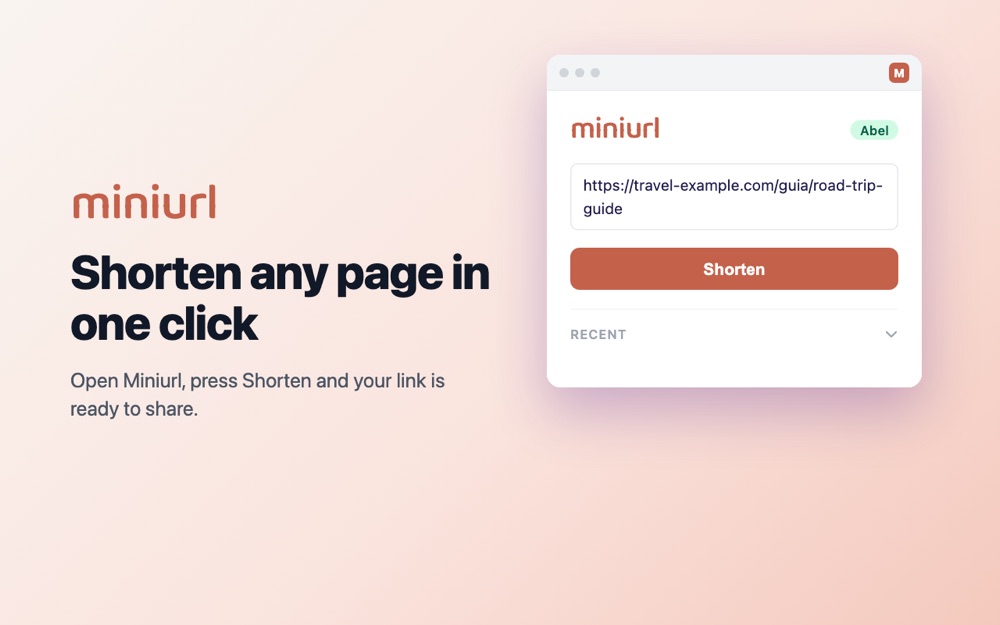
Shorten the page you are viewing, or any link with a right-click, and have the short link ready to paste. It works with your Miniurl account: every link keeps its analytics.
- Free
- No credit card
- Spanish and English
How to shorten links from Chrome
Three steps and you never open a new tab just to shorten a link.
-
1
Install the extension
Add it to Chrome from the Chrome Web Store. It installs in seconds and needs no setup.
-
2
Sign in to Miniurl
If you are already signed in at miniurl.cl, the extension uses that session. If not, paste an API key from your account.
-
3
Shorten and share
Click the icon to shorten the current tab: the short link is copied automatically. Or right-click any link and press “Copy”.
What it looks like in your browser
A link shortener always one click away
Ready to paste
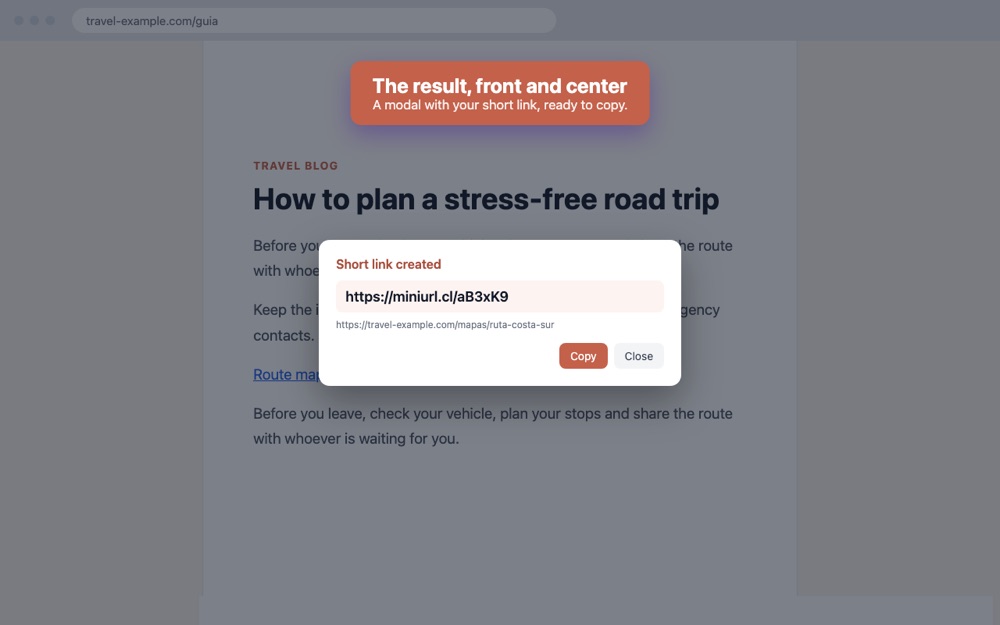
When you shorten from the icon, the link is already on your clipboard. With right-click, one button copies it.
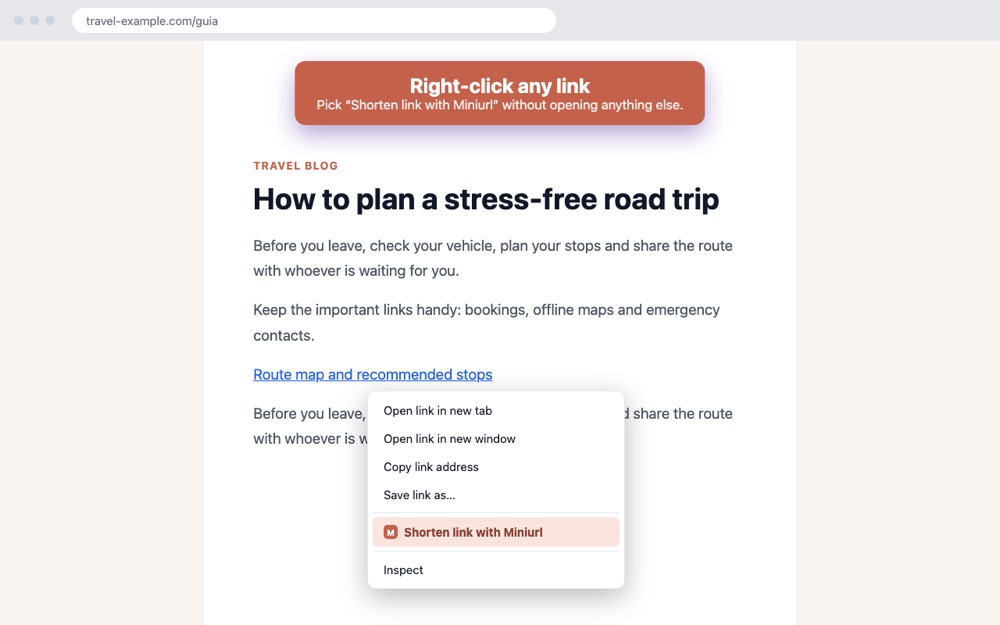
Right-click any link
Shorten a link on a page without opening it, or the whole page with “Shorten this page with Miniurl”.
Analytics like any other link
The links you create live in your account, with clicks, countries and devices in your dashboard.
Reads only what it needs
The URL of the tab or link you shorten, and your miniurl.cl session. Nothing else.
What data it uses, in detail: privacy policy.
Extension FAQ
Is the Miniurl extension free?
Yes. Installing and using it costs nothing. You only need a free Miniurl account, no credit card.
Do I need an account to shorten links from Chrome?
Yes. The links you create are saved to your account with their click analytics. Anonymous links are not created.
How do I shorten a page with the extension?
Open the page and click the Miniurl icon in the Chrome toolbar: the short link is created and copied. You can also right-click a link, choose “Shorten link with Miniurl” and press “Copy” in the window that appears.
What data does the extension read?
The URL of the active tab, or of the link you right-click, only at the moment you use it; and your miniurl.cl session or the API key you save to create the link. It is detailed in our privacy policy.
Can I use an API key instead of signing in?
Yes. If there is no open session, the extension lets you paste an API key, which you create under Settings → API keys in your account.
Which languages does the extension support?
Spanish and English, depending on your browser language.
More from Miniurl
Shorten links without leaving the page.
Free, with your Miniurl account.
Add to Chrome